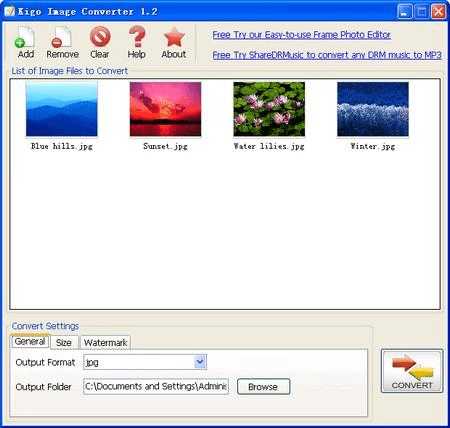
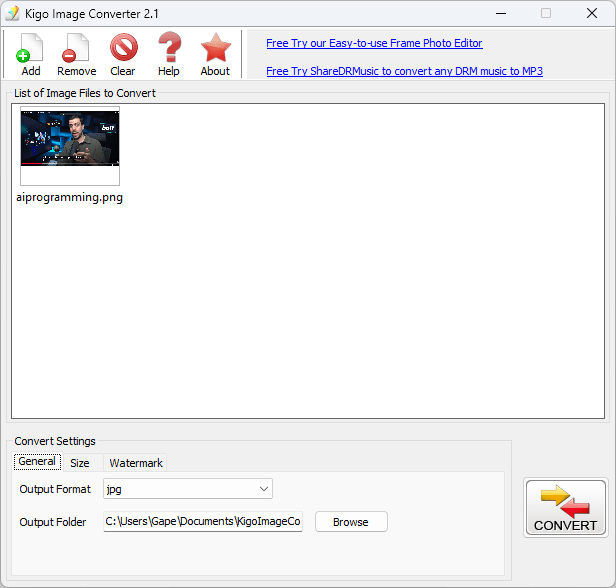
Kigo Image Converter is a simple and free tool for image formatting, resizing, and conversion in bulk. That’s the most straightforward description for this application. In a modern world where creators and average users frequently need to prepare photos for online uploads, email attachments, archiving, and more, having a lightweight tool that can process photos simultaneously saves you a lot of time.
While there are many other apps that can help you do this, Kigo Image Converter keeps things simple and free. You don’t need a complex workflow or a heavy application that bogs down your computer for minor tasks. Kigo allows users to drag and drop entire folders and transform them with a single click.
What makes Kigo Image Converter particularly appealing is its combination of wide format support and a highly accessible interface. While the user interface arguably looks dated and a bit too simple, it’s designed not for professional retouchers who need complex layering tools, but for everyday users, graphic designers, and photographers who need to quickly convert/resize/watermark a batch of images.
Extensive format support
The primary function of Kigo Image Converter is to convert images, supporting a few common formats such as JPEG, PNG, BMP, GIF, and TIFF. There is enough versatility to cover all the common scenarios, but some rare formats may not be available.High-volume batch processing
This is the feature that impressed me most, and I liked how well it worked. It keeps things simple and quick, with no extra features to complicate the process. The batch processing engine is powerful and allows you to add multiple images and even entire directories to the queue, select what you want to do, and then execute the conversion. This eliminates manual processing and saves a lot of time.Basic editing, resizing, and watermarking
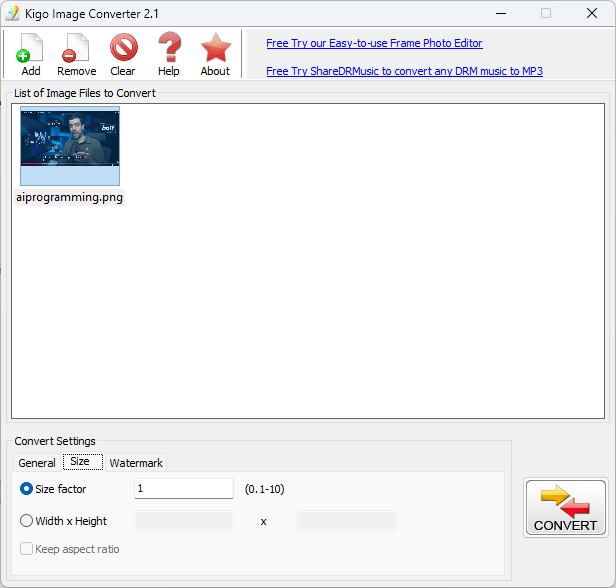
While this is not advertised as a photo editor, it does include basic adjustment tools such as resizing and watermarking. If you are somebody who regularly needs to downsize high-resolution photos for easier sharing, uploading, or any other use case, this will be handy for you.
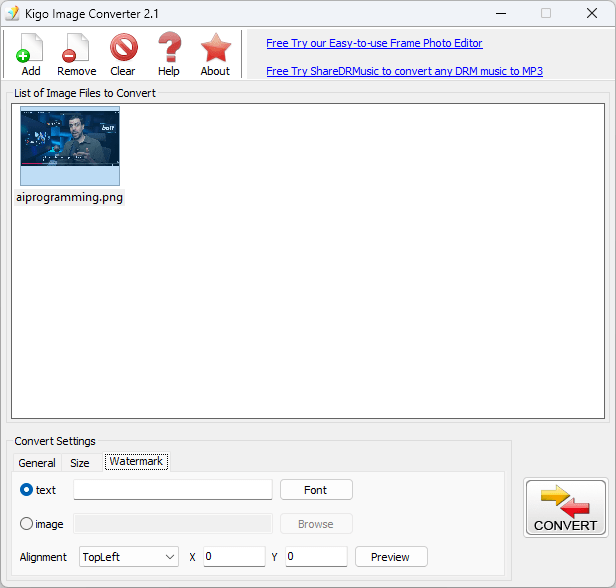
For photographers and content creators concerned about intellectual property, Kigo Image Converter includes a built-in watermarking feature. Users can easily add a text or image-based logo across their entire batch of photos during the conversion process, ensuring their work is branded and protected before it is distributed online.Fast batch conversions, zero hassle
Kigo Image Converter is a highly practical tool for Windows users who frequently need to reformat or resize multiple images at once. While the user interface is dated and cannot compete with modern applications, it does give you a simple alternative for batch processing images. The watermarking feature is very useful as well.